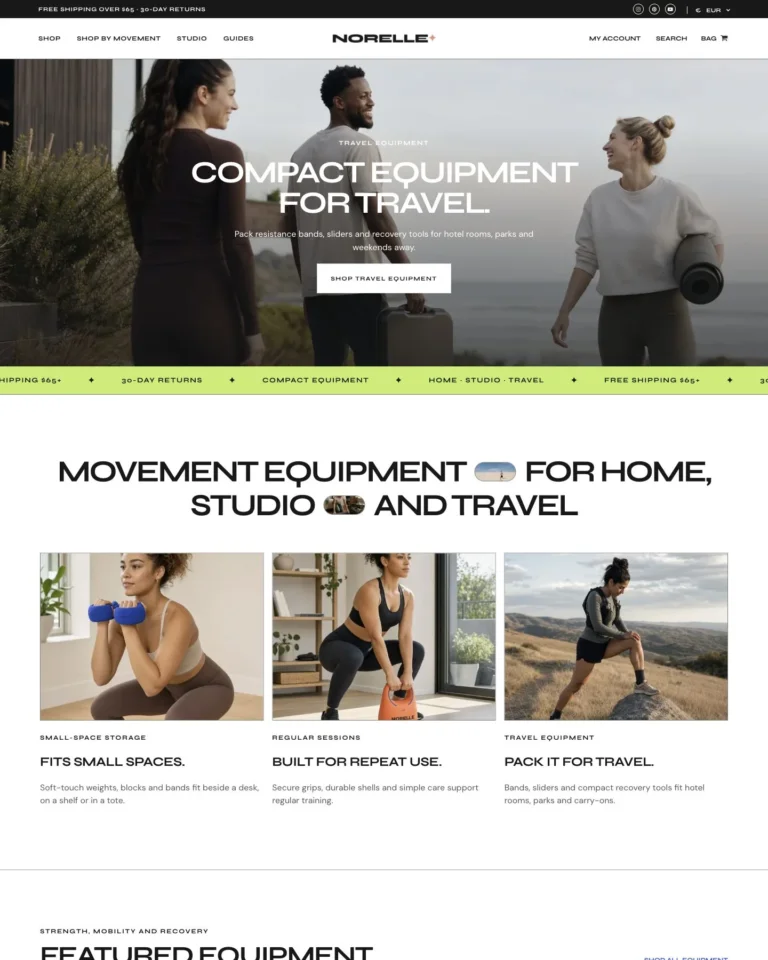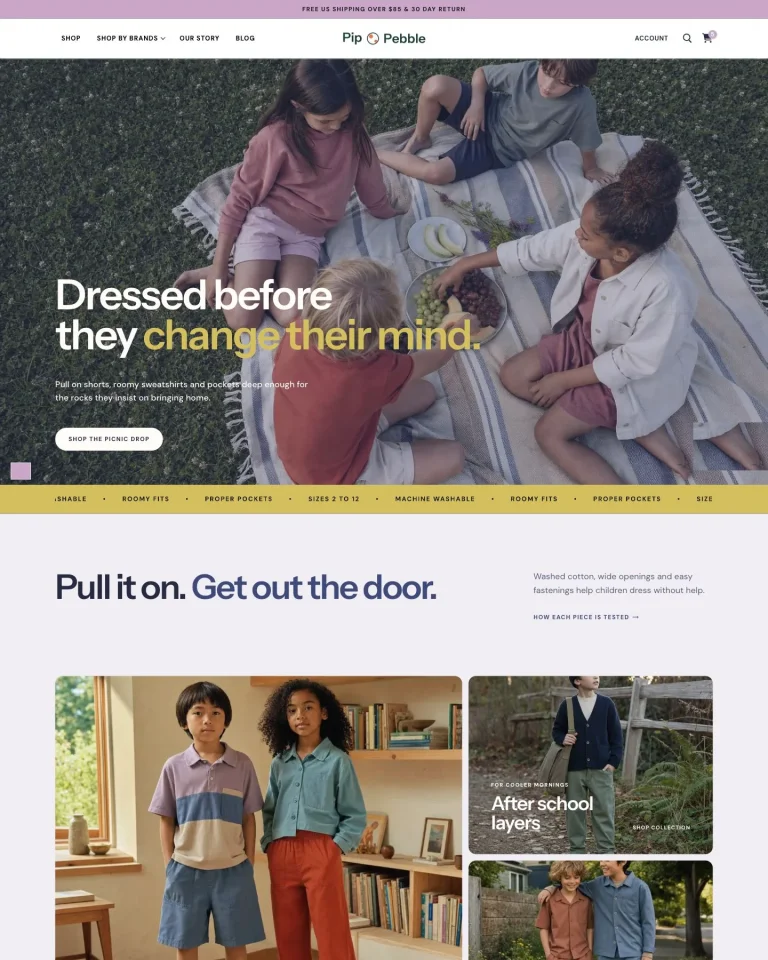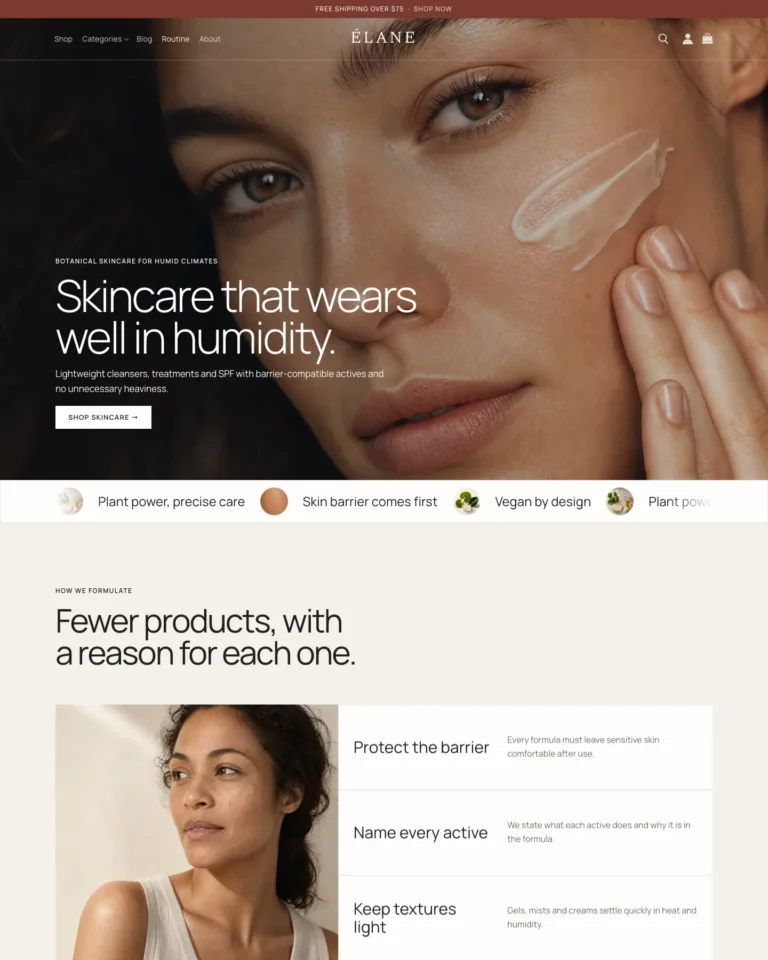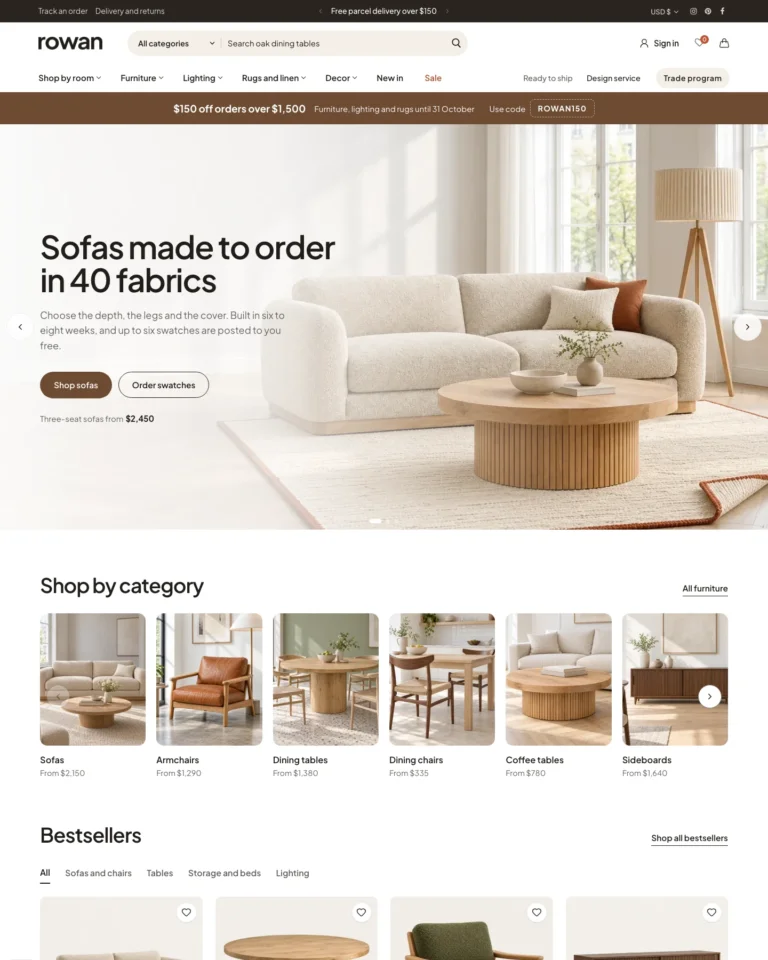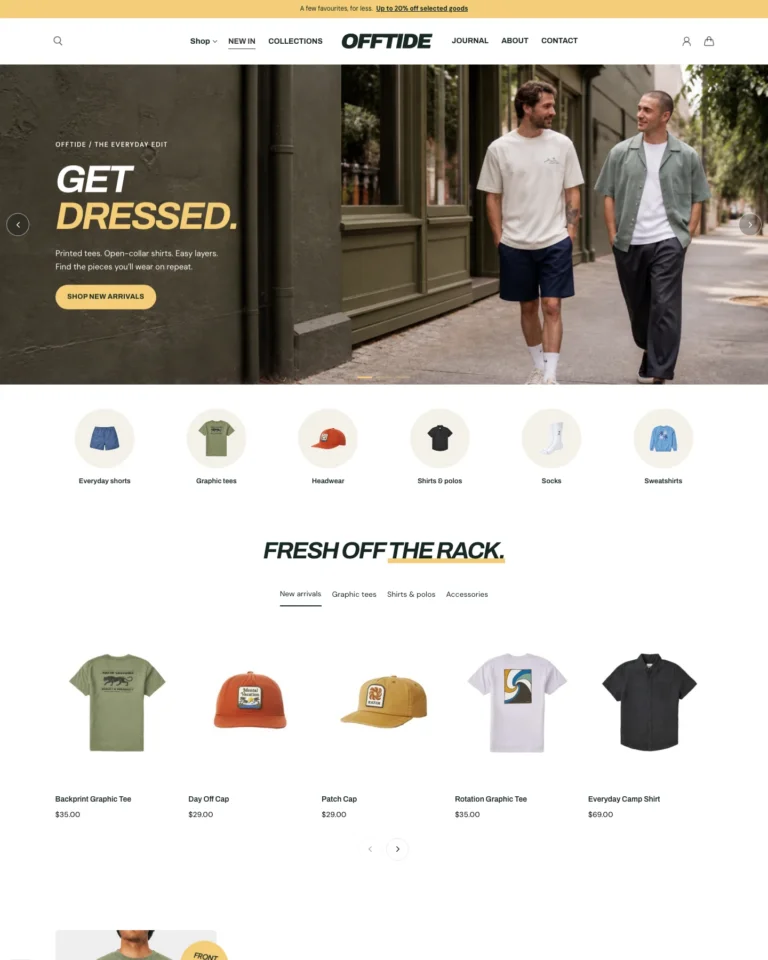


Visual mega menus
Choose tabbed menus, link lists or collection tiles, with room for images, brands and products.
App plan $129/yrIncluded in Core
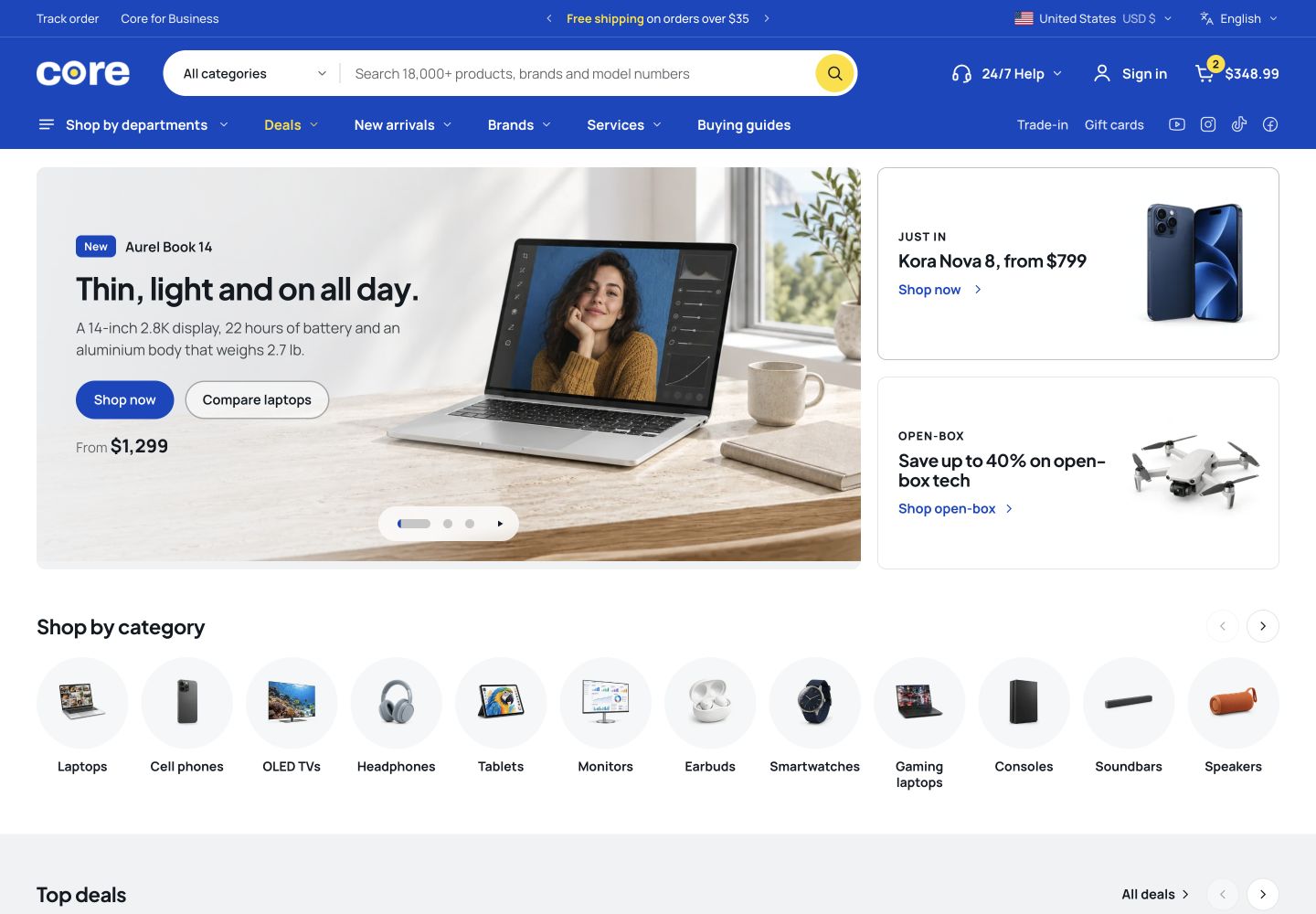
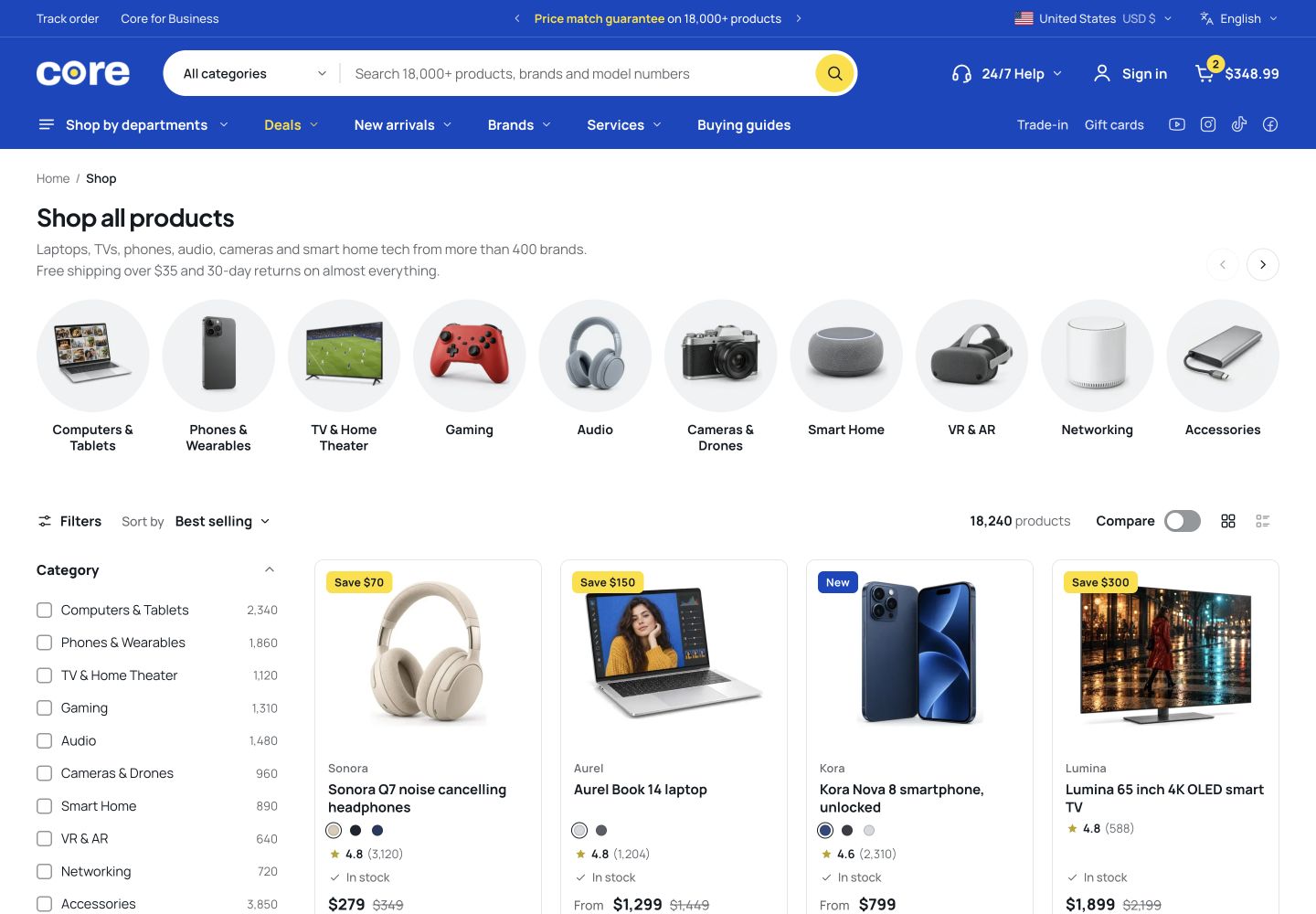
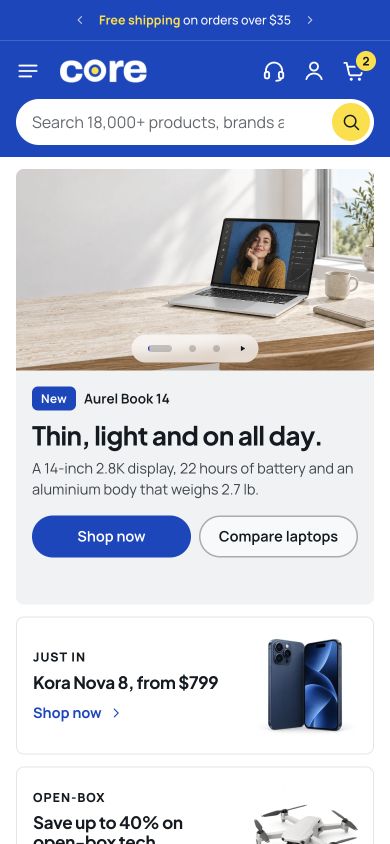
Help shoppers find their way through departments, brands and large collections.
Choose tabbed menus, link lists or collection tiles, with room for images, brands and products.
Offer suggestions before typing, then show matching products, collections and pages as shoppers search.
Display Shopify Search & Discovery filters in a sidebar, drawer or dropdowns, with product sorting.
Turn menus into collection tabs, image tiles and links that lead to smaller departments.
Build an alphabetical directory from your product vendors, displayed as names or brand logos.
Let shoppers switch between a grid and a detailed list, or between small and large product photos.
Choose page numbers or load more products as shoppers scroll. Keep filters close with a sticky toolbar.
Bring back the products each shopper opened, with the most recent ones first.
Show the fit, finish and facts that help someone choose the right product.
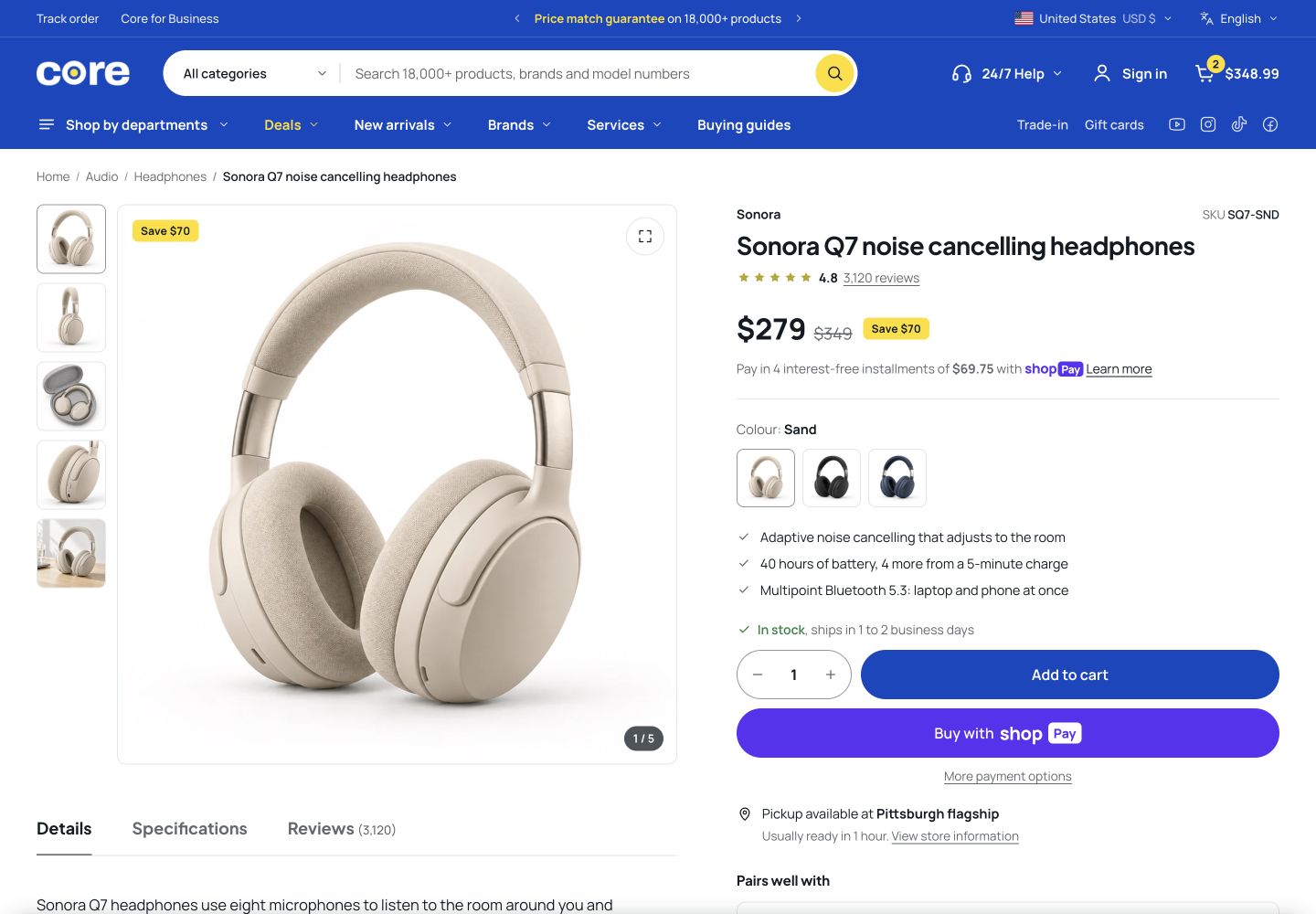
Combine photos, videos and 3D models in thumbnail, grid or stacked layouts, with full-screen or hover zoom.
Use color or image swatches and show the selected variant’s photos, price and availability.
Open a size chart in a dialog, using one shared page or a different chart for each product.
Give technical details, materials and linked files their own space, using each product’s content.
Let shoppers shortlist up to four products and compare their prices, options and specifications side by side.
Place the current product beside alternatives in a comparison table directly on its product page.
Organize descriptions, delivery information, care instructions and longer answers into readable groups.
Collect engraving text, gift messages or choices with text boxes, dropdowns and checkboxes. Options do not add charges.
Show real availability, low-stock messages and incoming delivery dates from Shopify inventory.
Use a pre-order button always or only when stock runs out. Orders use normal payment and fulfillment.
Collect email subscribers for an upcoming product, tagged by product for campaigns you send through your email tool.
Let buyers choose a denomination, add a personal message and schedule Shopify’s gift card email to a recipient.
Keep buying options, delivery details and useful add-ons close to the purchase.
Choose product options in a dialog or add directly from a card, without leaving the collection.
Keep the selected product, price and buy button in view after the main product form scrolls away.
Update quantities without reloading, undo removals and choose a compact drawer or a full order review.
Show how much is left to spend, with thresholds per currency that you match to your Shopify shipping rates.
Check shipping rates in the cart and show pickup availability for the selected variant on the product page.
Let shoppers apply a Shopify discount code and leave instructions in the cart before checkout.
Display Shopify recommendations and chosen complementary products beside the buy button and in the cart.
Show Shopify’s enabled payment buttons on product and cart pages, based on your payment setup.
Turn outfits, rooms, product stories and collection imagery into places to shop.
Tag products in an outfit or room photo, with a product list, variant selection and add-to-cart actions.
Place markers on a photo to reveal product cards or explain materials, details and features.
Curate photos and videos with tagged products, captions and quick view. Posts are added manually.
Let shoppers drag between two images to see a transformation or compare the same scene.
Publish selected customer or press quotes, with optional photos and links to the featured products.
Sell a selected product from any page or display a collection as a carousel or grid.
Switch between product collections in one row, or pair brand tabs with a large image and its products.
Reveal collection imagery on hover, or arrange editorial photos in galleries with a full-screen viewer.
Give campaigns a place across the store and invite visitors to hear from you again.
Build image or video heroes, rotating slides and split layouts that pair media with your message.
Rotate store-wide messages, run a scrolling marquee or add short offers with copyable codes.
Count down to a real campaign deadline, then hide the bar or show an ended message. Include a code to copy.
Give campaigns their own image cards or place promotional tiles among collection products.
Open on a delay or from a link, control repeat visits and optionally show a shared discount code after signup.
Explain product features or service steps with expandable text and a picture that changes with each selection.
Present the prices and buying rules configured in your Shopify B2B catalogs.
Order several variants of one product from a quantity table. Show it to all shoppers or only B2B buyers.
Follow the buyer’s minimum, maximum and quantity increments across product forms, quick add and the cart.
Display Shopify catalog price breaks and highlight the tier for the buyer’s selected quantity.
Show the signed-in business buyer’s Shopify catalog prices while retail shoppers keep their usual storefront.
Start with a preset, then make the pages, navigation and styling your own.
Start with Core, Burrow, Mantel, Hanger or Ridge. Every preset has access to the same section library.
Arrange header rows and sticky behavior, with a mobile menu that opens each level in its own panel.
Set reusable color schemes, heading and body fonts, page width, spacing and corner shapes.
Choose photo shapes, hover galleries, swatches, sale and custom badges, key features and quick-buy controls.
Arrange rich text, multicolumn content and custom sections. Add app blocks or Custom Liquid where supported.
Build About, Contact, FAQ and service pages. Hanger adds a lookbook; Ridge adds a rental information layout.
Publish articles, group them by topic and feature recent posts and related products around your store.
Let shoppers choose the countries, currencies and translations you have configured in Shopify.
Show ratings from a reviews app and add subscription blocks to product pages. These services require separate apps.
Keep links to sections of a long page in view, and show a breadcrumb trail back through the store.
Example paid plans for similar features, billed annually in USD. Checked November 2, 2026. Free plans are also available. Savings depend on the apps you would otherwise use; Core does not replace every feature in these apps.
Start with the Core overview in our Help Center.
Building for ecommerce since 2018.
We started with WordPress and WooCommerce, designing shop templates at PressMaximum. MerchFold brings that experience to Shopify, starting with Core.