
About page
Tell your story with the about template, and see how each preset builds the page from ordinary sections.
The about template gives you a finished story page to fill in. Each preset has its own version, so look at them all before you decide what to keep.
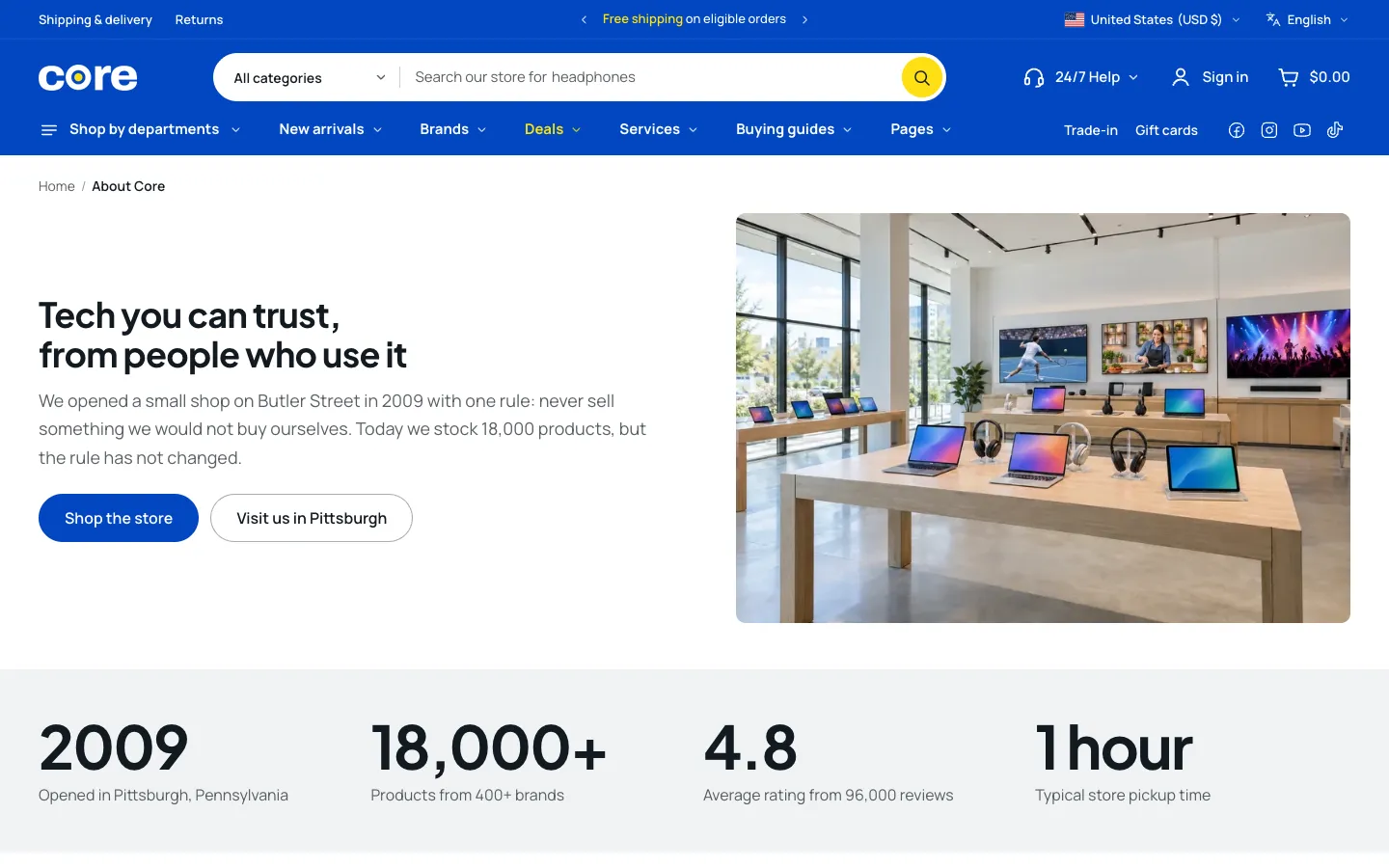
Every section here is available in every preset, so you can rebuild Mantel's version on Core if you like it more. Lists are in order, from top to bottom.
Set it up
Add a page, choose about under Theme template, then open it in the editor. Give a page a template has the steps.
Prepare your content
- One strong photo for the top. A photo of your store, your team or your work says more than a stock image.
- Your story in two or three lines. Say why you started, and what you do differently.
- A few real numbers. Years in business, products, reviews. Use only figures you can prove, and delete the row if you have none yet.
- Your address and opening hours, if people can visit.
Replace every sample name, date and number. These pages read like real stores, so a leftover line is easy to miss.
Choose how much to say
The presets show three lengths. Pick by how much you have to tell.
- Short: Core has a heading with an image, numbers, one story and your promises. It suits a store that wants to get people back to shopping.
- Medium: Burrow and Ridge start with a banner and add more rows of cards, and Hanger ends with its latest articles. Delete any row you have nothing real to put in.
- Long: Mantel tells several chapters, with a Page navigation bar to move between them. Choose it only if you have the photos for it.
The sections you will edit most
The title and the rows of cards and numbers are Multicolumn sections. The story beside a photo is Media with content, and the large banners are Media banner.
Each page needs one main title. Depending on the preset, it is the Heading with Page title on in Multicolumn, or the Media banner with Page title on. If you remove that section, turn on Page title somewhere else.