
Lookbook
Tell a seasonal story with large photos, each look followed by its products. Hanger ships it, and any preset can rebuild it.
A lookbook is a seasonal story told in photos. Each look opens with its pictures and ends with the products in them, so people can buy what they saw.
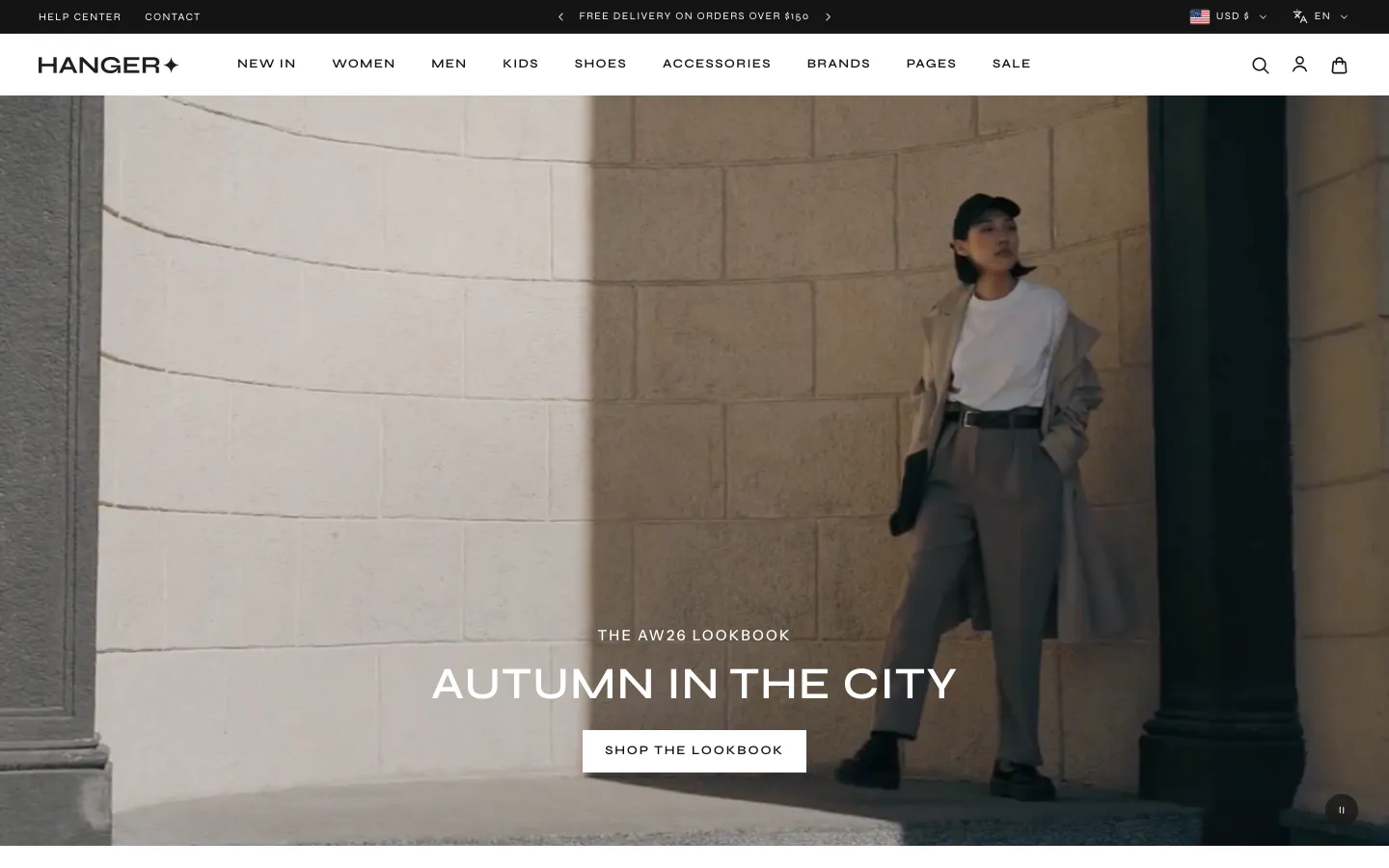
Seen in the Hanger demo
Only Hanger comes with this template. It suits any store that shoots seasonal or themed photos, so the other presets can rebuild it from the same sections.
How the page is built
- Media banner
- Multicolumn
- Image gallery
- Featured collection
- Image gallery
- Featured collection
- Media banner
- Rich text
- Image gallery
- Featured collection
- Multicolumn
- Featured collection
Each look is two sections: an Image gallery, then a Featured collection with a collection that holds that look's products.
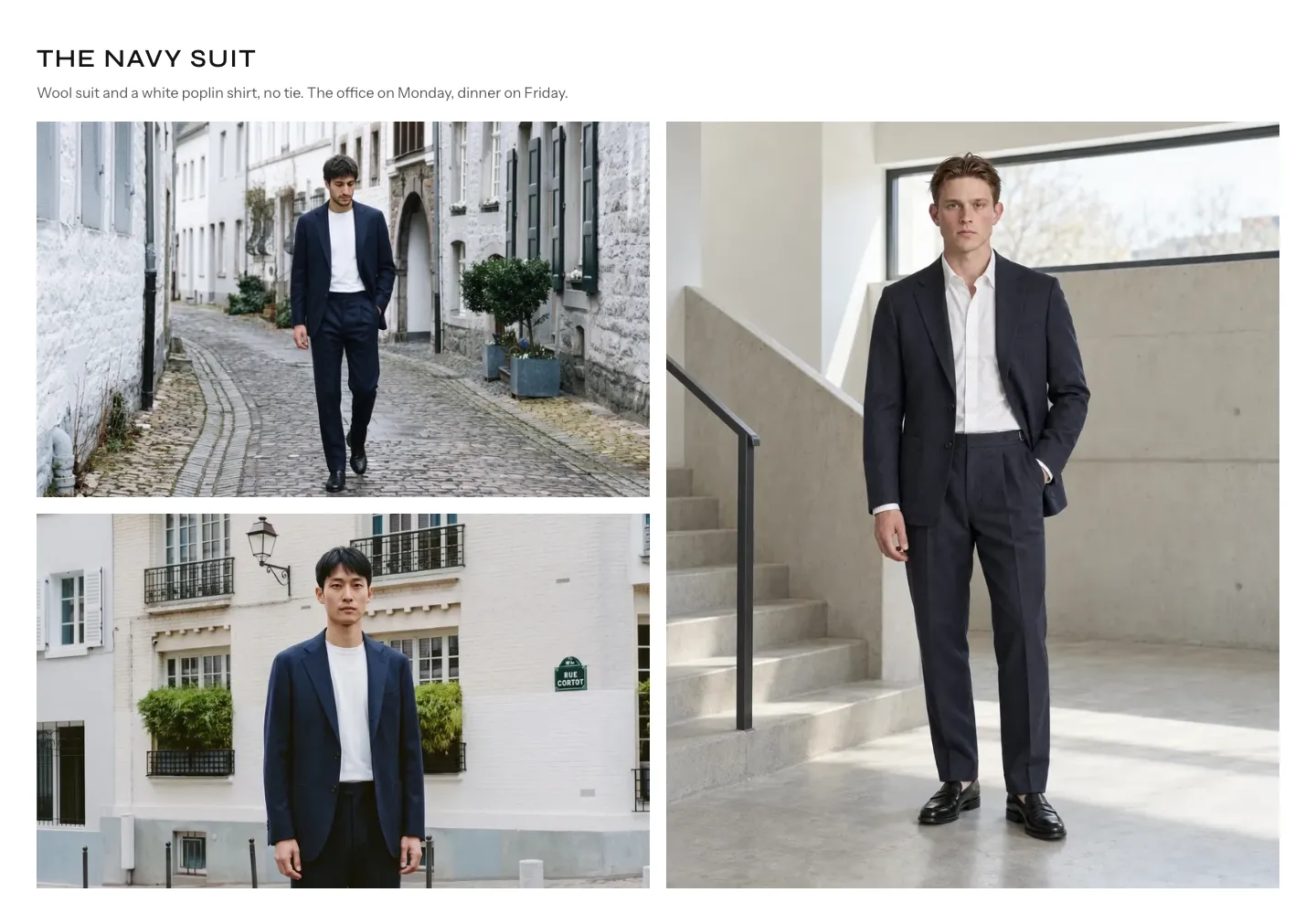
Hanger uses two gallery layouts. Mix puts one large photo beside two smaller ones. Rows fills every row to the page width, so photos of different shapes keep their proportions.
Prepare your content
- A wide photo or a short video for the opening banner, and another wide photo for the break halfway down.
- Three to seven photos per look. Portrait photos suit Mix.
- One collection per look, with four products or so, and one collection with all the lookbook's products for the end of the page. These are normal collections. A manual collection is the easiest way to pick exactly these products.
Set it up in Hanger
Add a page and choose lookbook under Theme template. Give a page a template has the steps. Then replace the photos, the words and the collection in each section.
Three looks is a good length. To remove one, delete both its gallery and its product row.
Rebuild it on another preset
Make a template
In the theme editor, open the template menu at the top, choose Pages and click Create template. Name it lookbook. Shopify explains this in Create a new template.
Add the opening
Add a Media banner with Page title on, and remove the Page section. Below it, a Rich text can hold a few lines about the season.
Add a look
Add an Image gallery for the photos and a Featured collection under it. Repeat for each look.
Finish the page
Hanger ends with a Multicolumn of image cards linking to other collections, then one Featured collection with every product from the lookbook.
Use the template
Add a page and choose your new template under Theme template.
The page takes the colors and fonts of your preset. Your photos will set the mood more than any setting.