
Rental page
Present gear for rent, with kits, prices, steps and a way to ask for it. Ridge ships this template.
The rental page shows what people can rent, how it works and what it costs. Ridge comes with it for skis, tents and paddleboards, and the same layout works for anything you lend out.
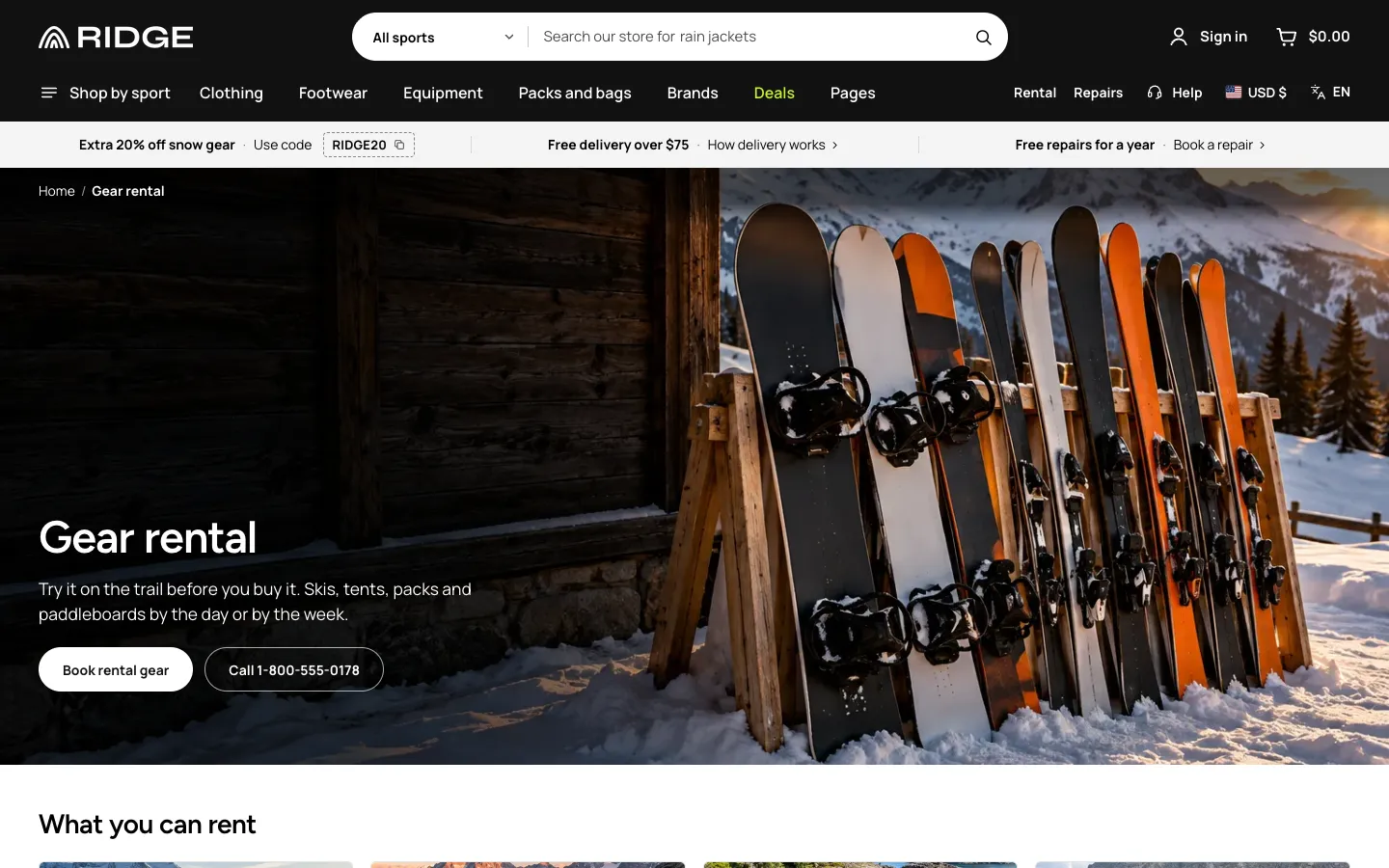
Seen in the Ridge demo
The theme does not handle bookings
The theme does not take reservations, track stock, hold deposits or collect rental fees. The kits and prices are text you type, and their buttons link to your Contact page. To take bookings online, use a rental or booking app.
How the page is built
Set it up
Create the page
Add a page such as Gear rental and choose rental under Theme template. Give a page a template has the steps. Only Ridge has this template.
List what you rent
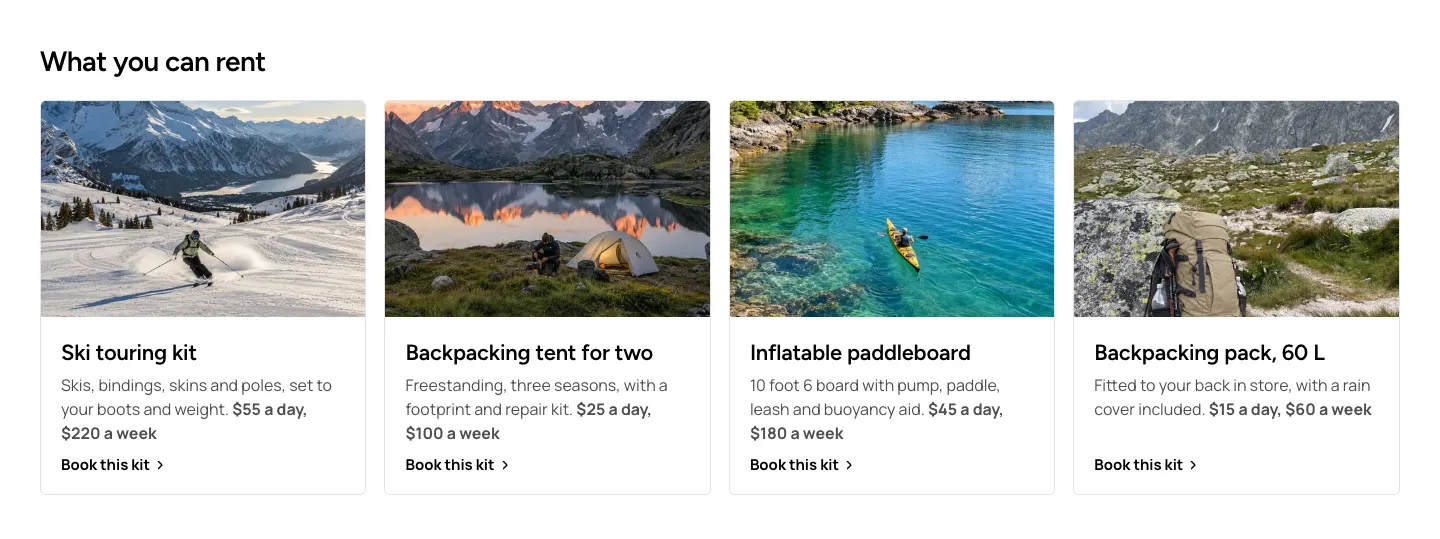
The kits are Card blocks in a Multicolumn section. Each has an image, a Heading, a Text with the price, and a Link label. Add one column per item.
Explain the steps
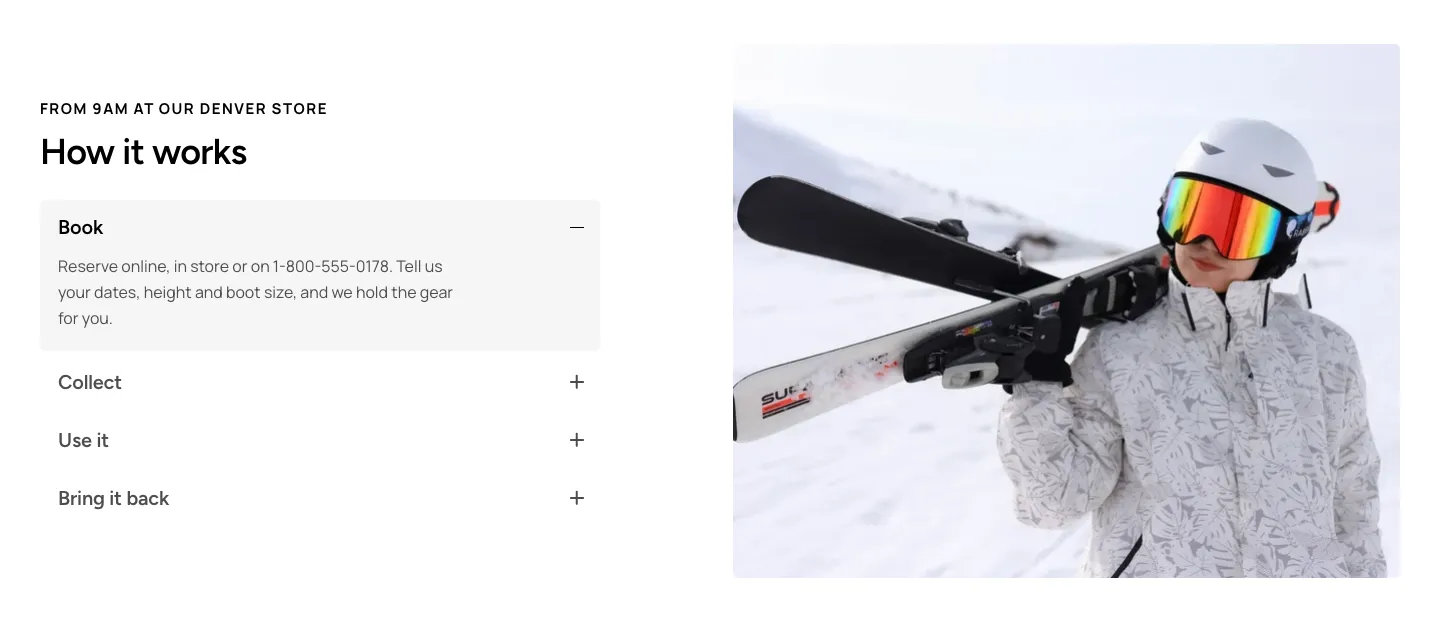
Feature tabs walks through Book, Collect, Use it and Bring it back. Rewrite these to match how you really work, and pick your own photos.
Write your terms
The questions at the end hold your deposit, damage and cancellation rules. The sample text is Ridge's, so every amount and time limit must be replaced with your own.
Link to something to buy
The last section shows products in a Featured collection, for people who decide to own what they tried. Pick your own collection or delete the section.
Make sure you have a Contact page, because the kit and banner buttons link there.
Build it on another preset
Other presets do not have this template, but they have all its sections. Follow the service page steps and add a row of Card blocks for your items, in the order above. To make your own copy, see Create a new template.